I love to browse Aliexpress to find random shit. Sometimes, it's just to laugh at the ridiculous products or creative
descriptions. Sometimes, I can't resist and buy some stuff to play around with.
I just received a cute display. I don't know yet what I'm going to do with it. The listing did not say much, and I did
not research it a lot. I just impulsively pressed the "add to cart" button and let future (now present) Sophie the pleasure to
discover what's inside.
So, today I'm opening it up to document what's inside. Maybe some ideas will come soon. So far, the best idea I have is to
code a custom and cute desk pet/robot/companion that does nothing useful other than being a cute companion.
The outside
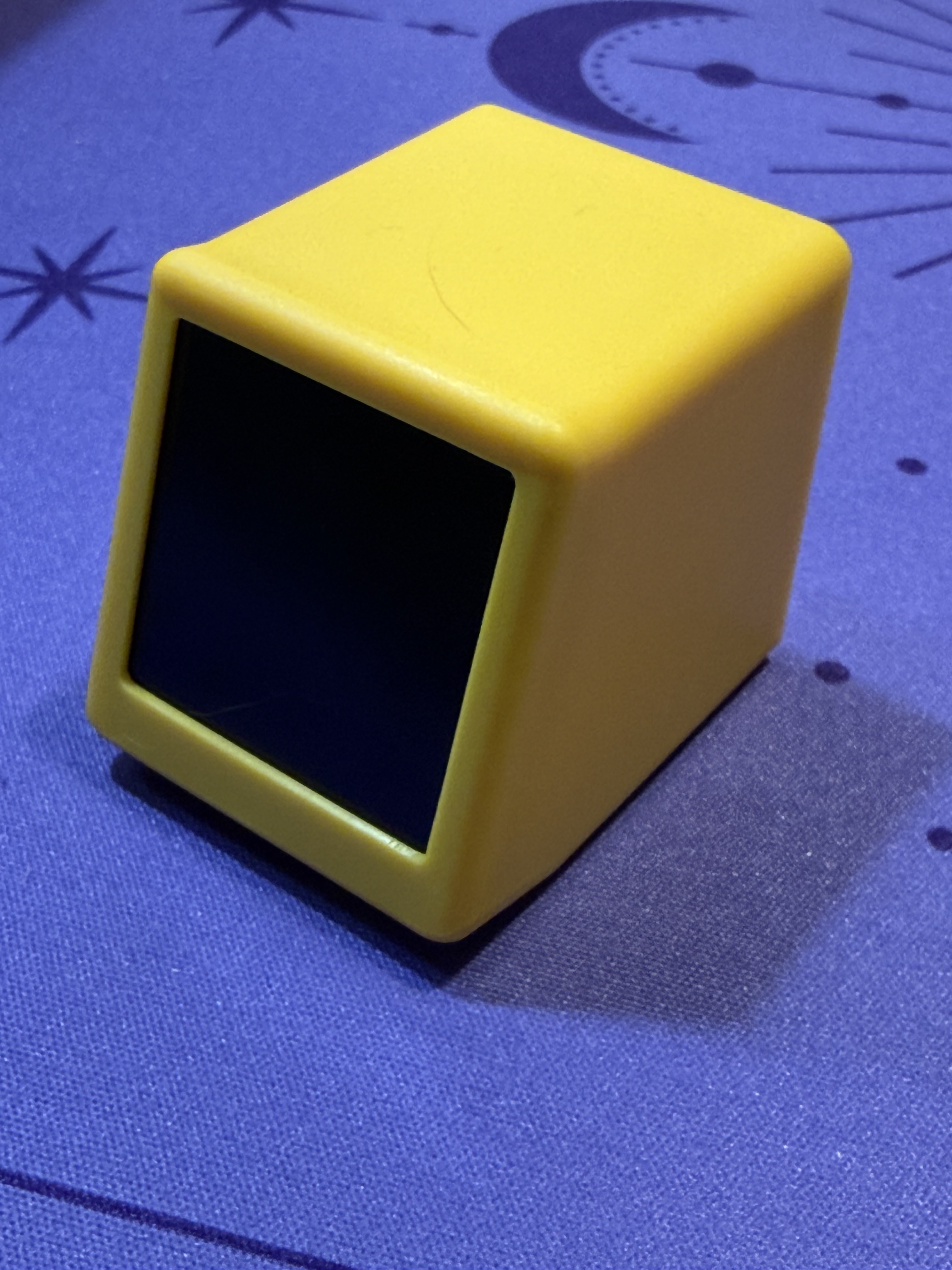
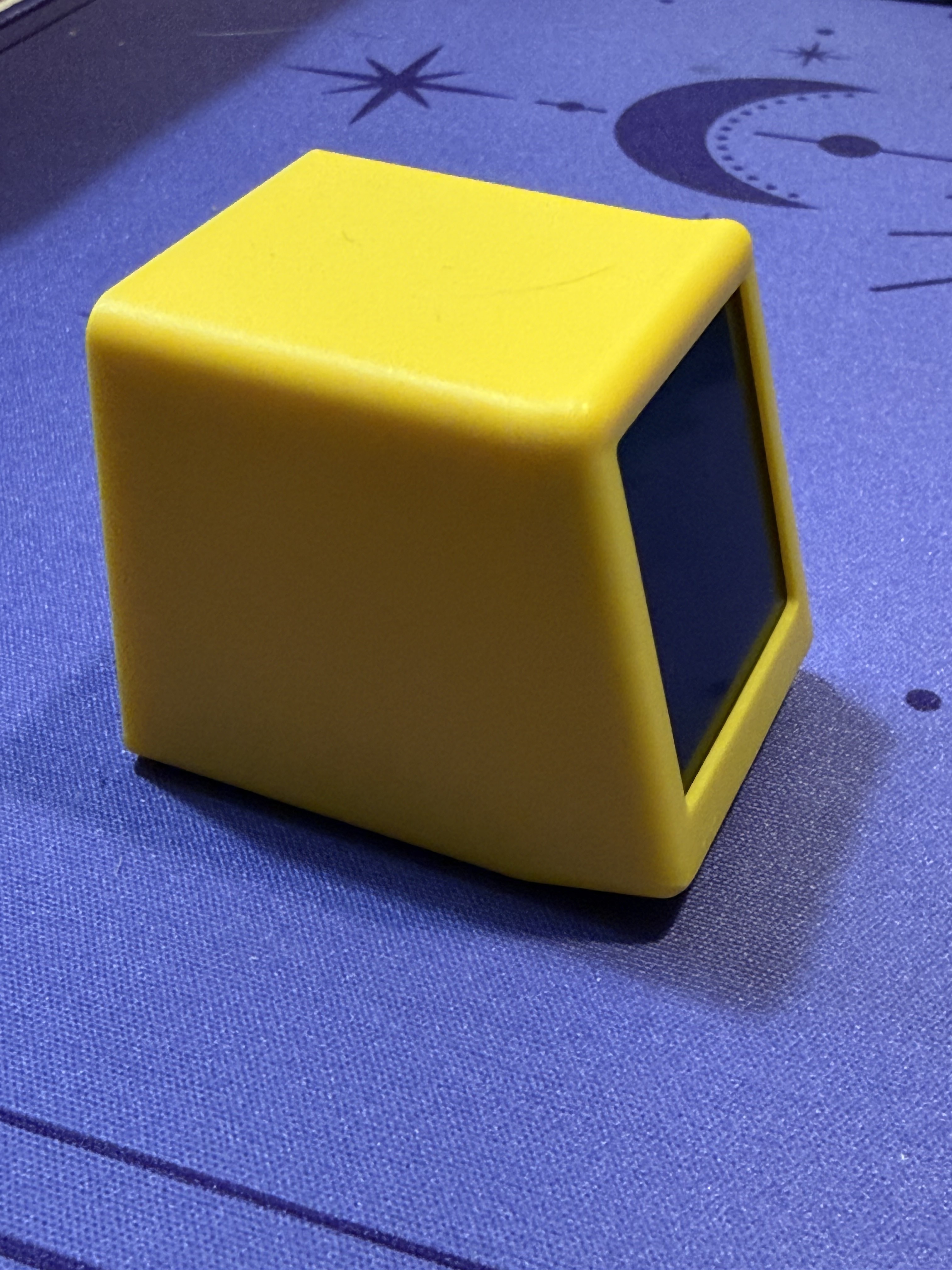
The display from the front, a cute yellow cube with a small dark screen recessed into the top face
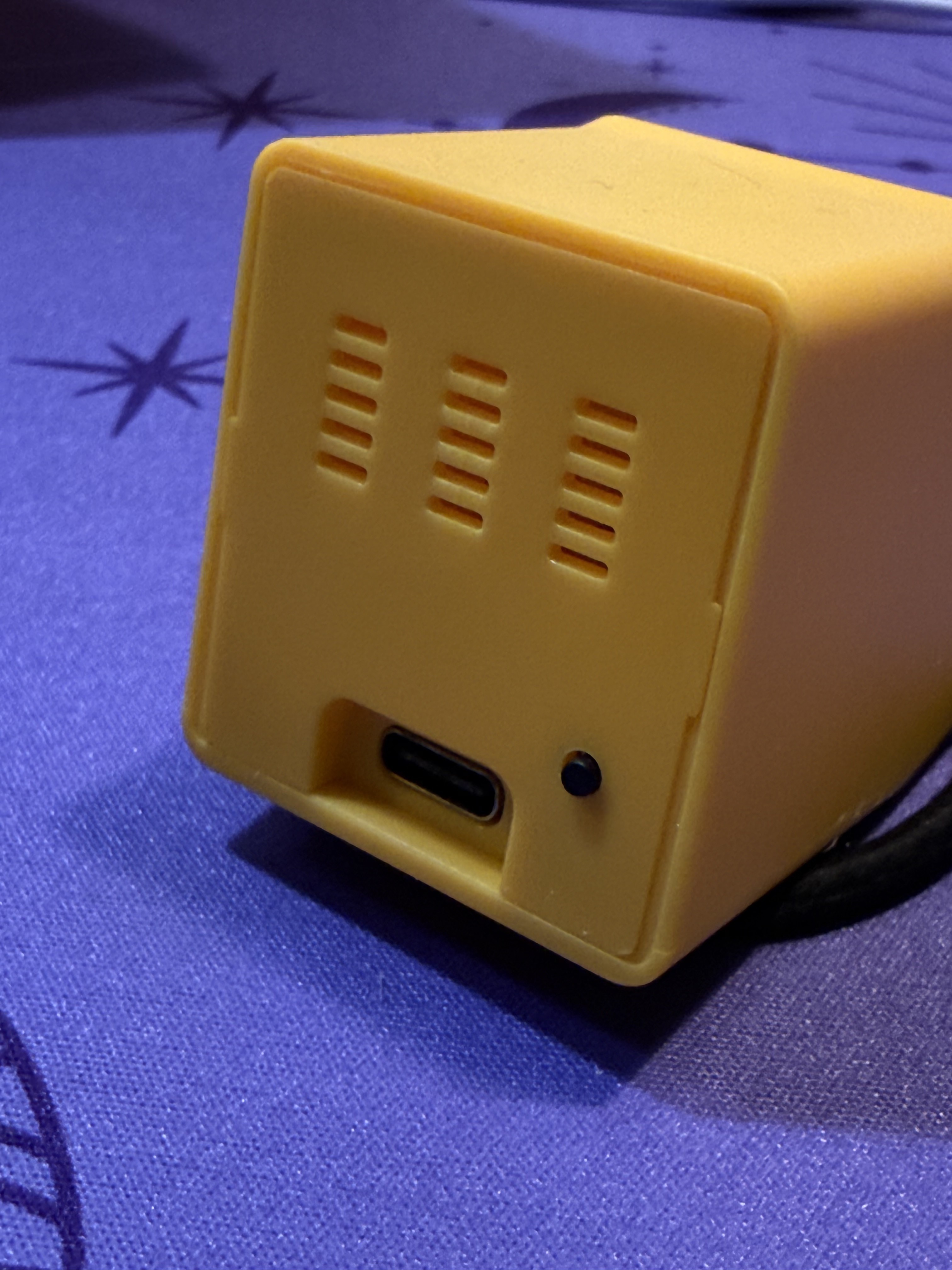
The back of the device showing ventilation slits, a button, and a USB-C port for power
Opening it up
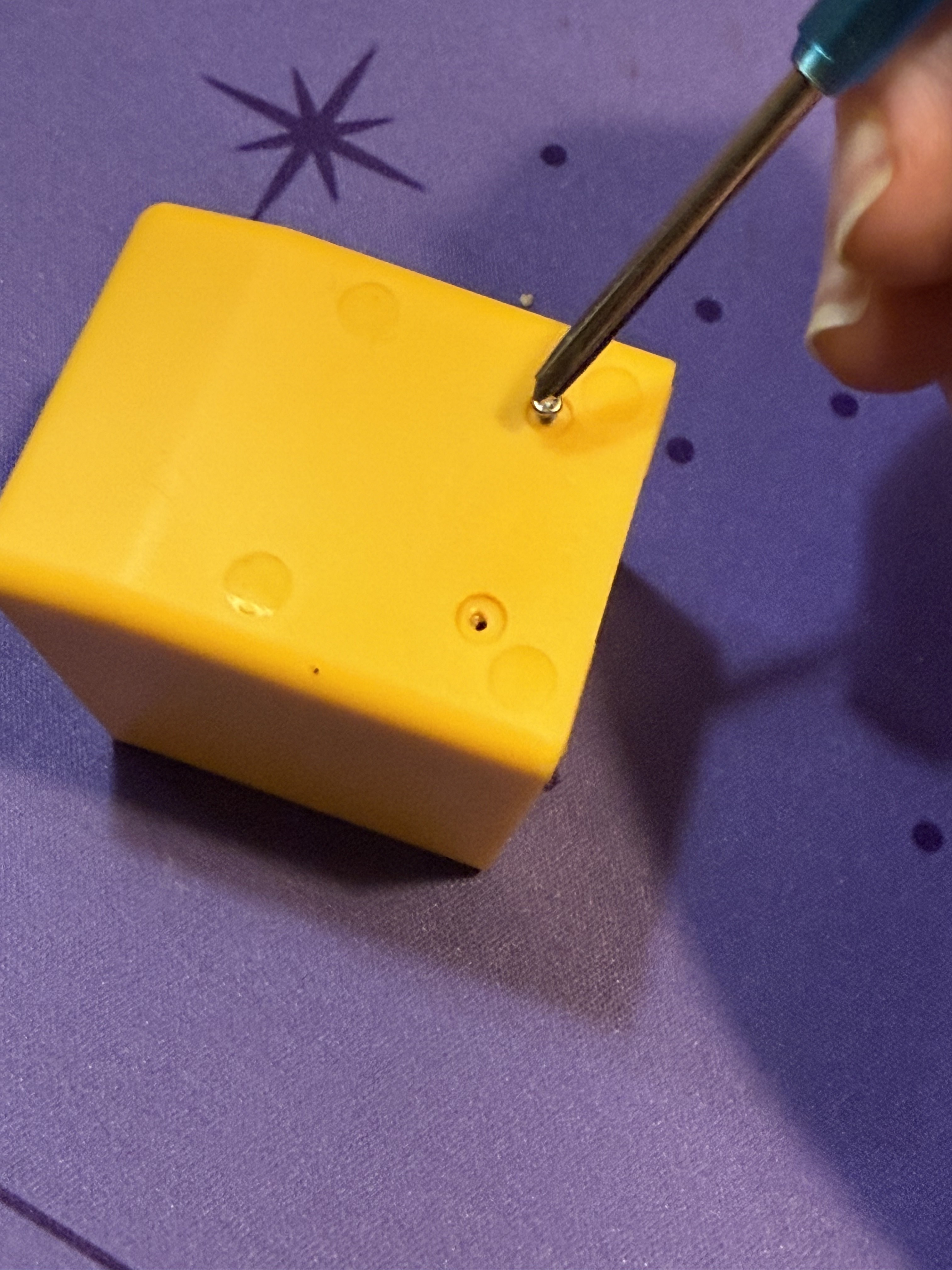
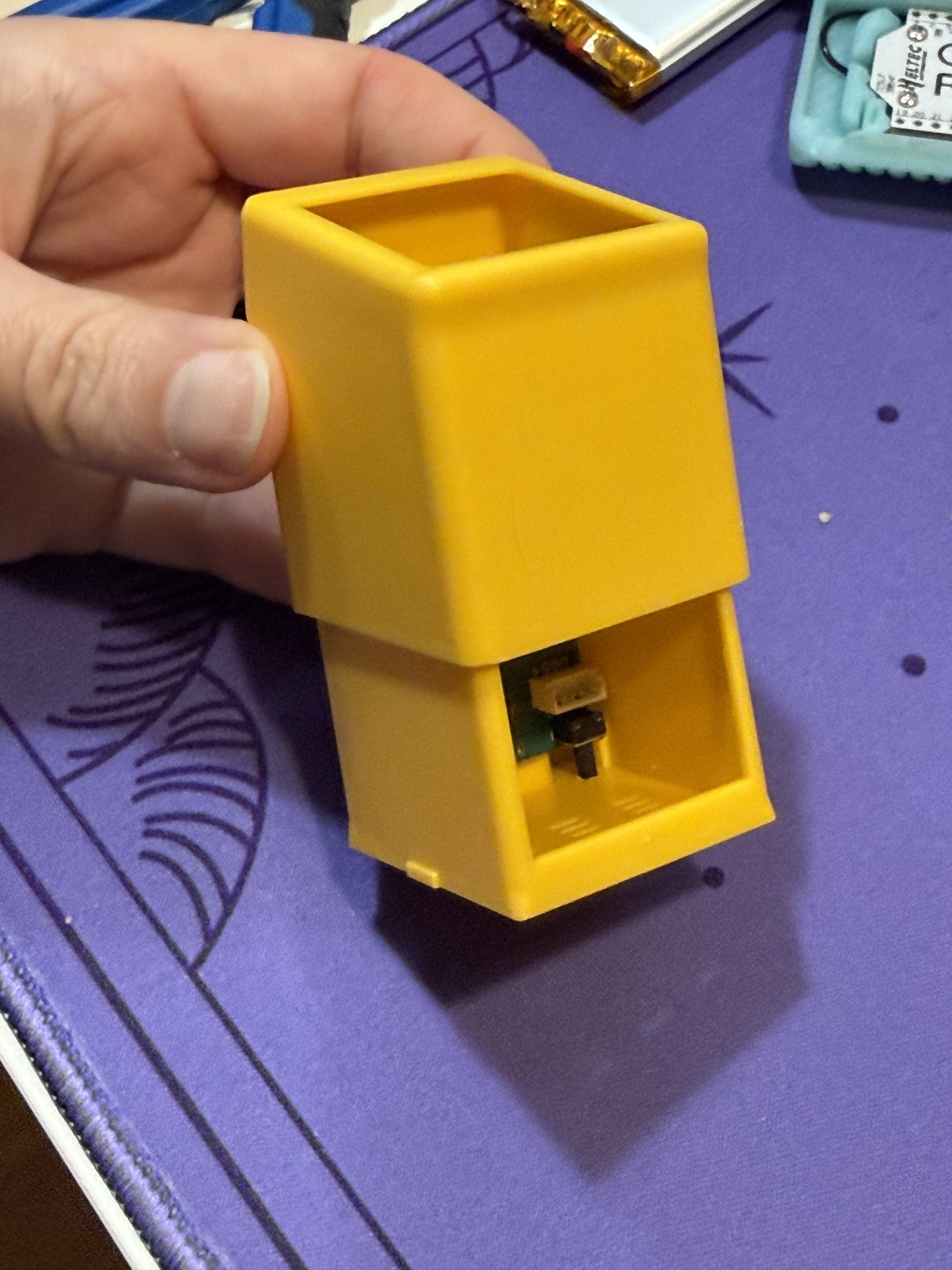
It slides open, and I immediately notice that there is plenty of room to cram some stuff in there if I want to. Maybe I'll add a battery?
The PCB
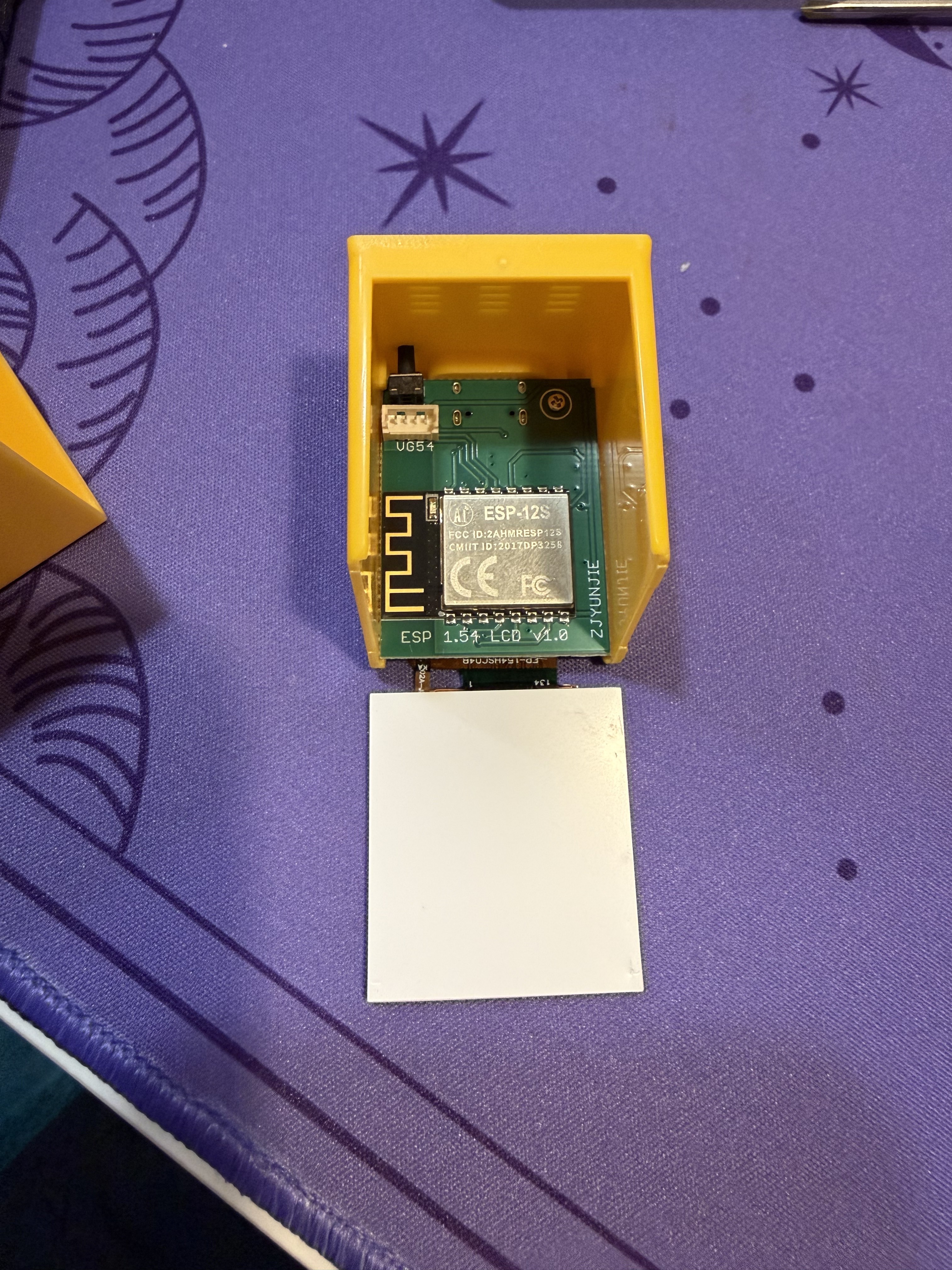
The main PCB slid out of the case, revealing an ESP-12S WiFi module and the board labeled "ESP 1.54 LCD V1.0" by ZJYUNJIE
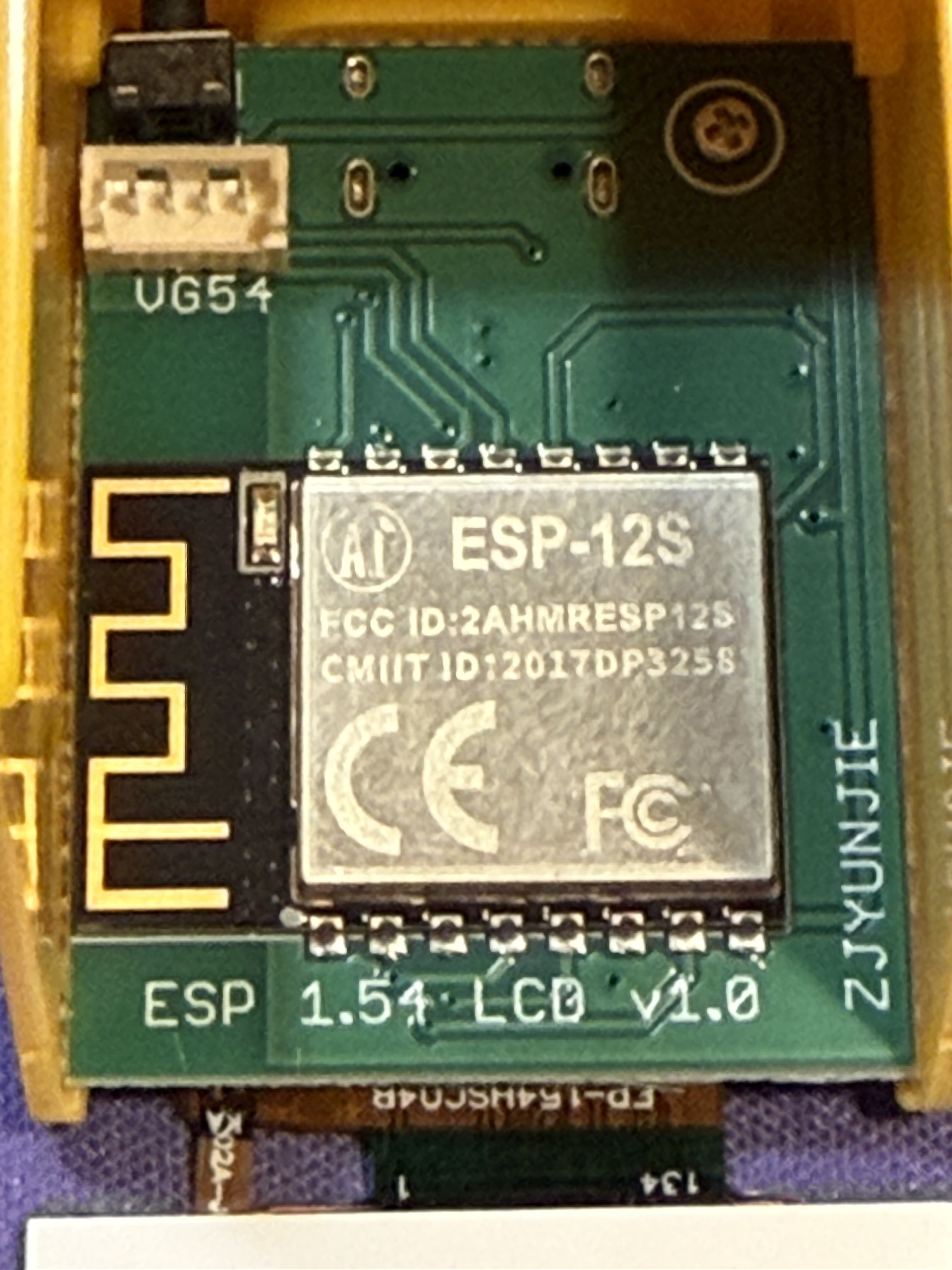
Close-up of the ESP-12S module with its FCC ID (2AHMRESP12S), CE marking, and the PCB antenna.
There's also a 4-pin JST-style connector labeled VG54 on the board. The traces appear to route toward the right side of the ESP-12S, possibly to GPIO14 (SCL) and GPIO12 (SDA) — which would make it an I2C expansion port. A continuity test with a multimeter would confirm it.
I noticed that some listings are mentioning a capacitive touch on the top of the device, but the one I bought does not have that. This is probably where it would be plugged in.
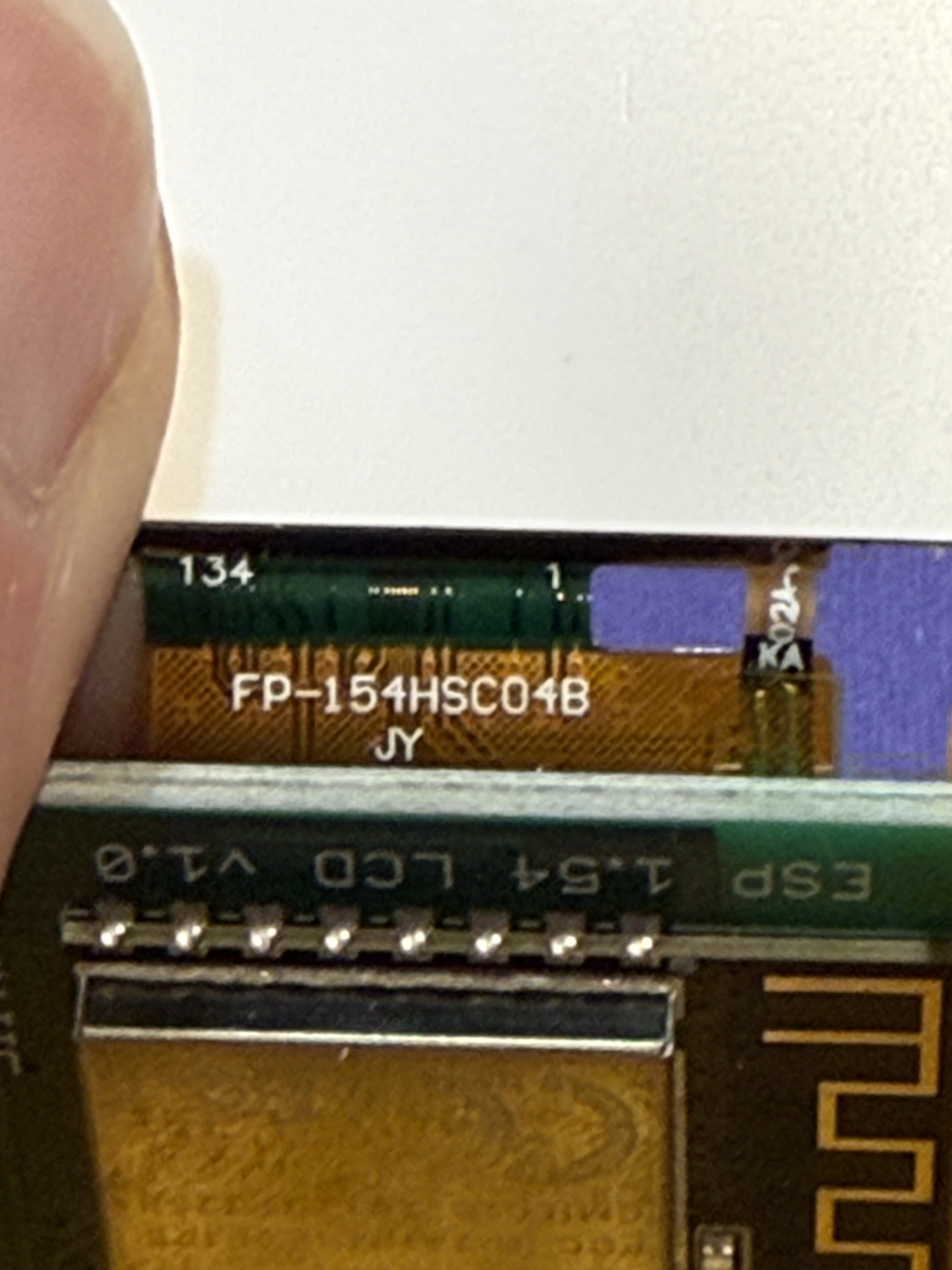
The other side of the PCB showing the display flex cable connector and several surface-mount ICs
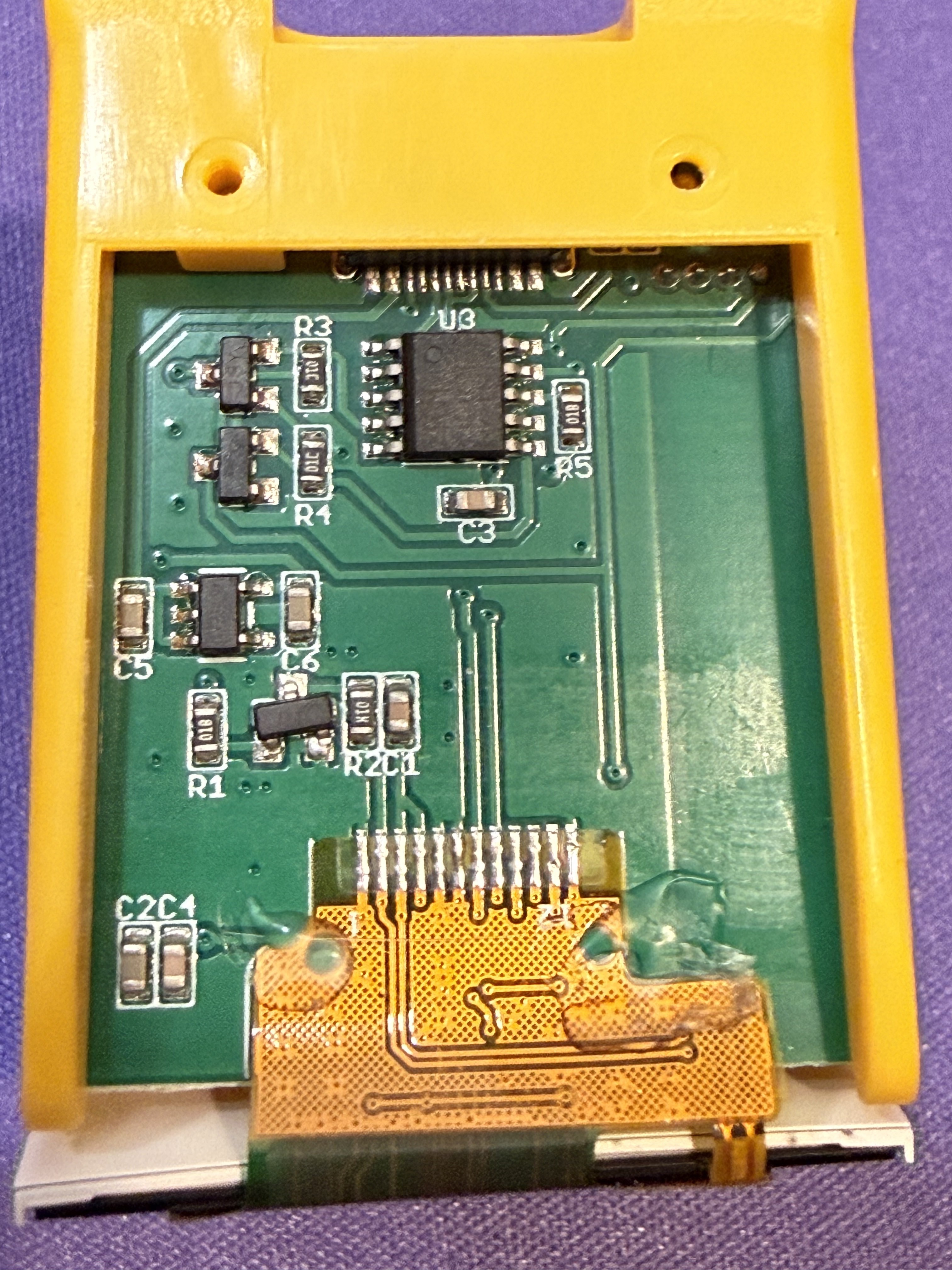
The ribbon cable is marked "FP-154HSC04B" with "JY" underneath. No separate touch controller or extra FPC is present, so this is likely a display-only panel without touch input.
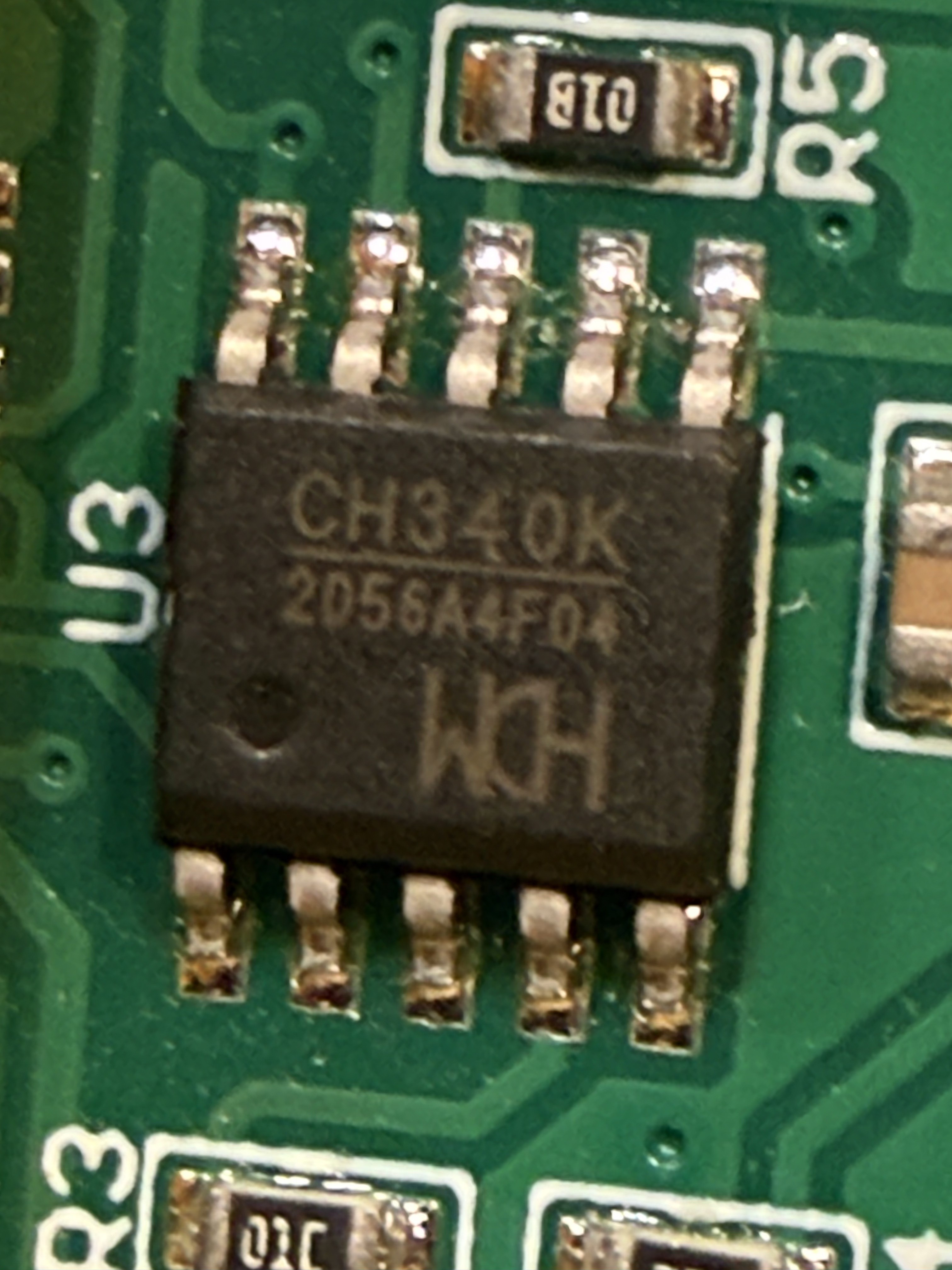
The U3 IC turns out to be a CH340K by WCH — a USB-to-serial converter. This means the USB-C port isn't just for power, it's for programming the ESP-12S directly over USB. That is going to make projects easy to flash! :D
Notes for future self
The ESP-12S
I used the ESP8266 and ESP32 in many projects in the past, and attempted to do something useful with the tiny but very limited ESP-01. It's the first time I get to play with an ESP-12S, which is actually an ESP8266 in a specific module packaging with a built-in PCB antenna and 4MB flash.
As opposed to the good ol' ESP32 I know pretty well now, the ESP-12S has
- No bluetooth
- Less powerful CPU
- A lot less RAM
- Fewer GPIO
- A lot cheaper
- Consumes a lot less current
So it makes a good low power and cheap alternative for simple projects.
The display module
Based on the board label "ESP 1.54 LCD" and the ribbon cable marked "FP-154HSC04B", this is a 1.54" IPS TFT LCD with a 240x240 resolution and 65K RGB colors. These panels are almost always driven by an ST7789 controller over SPI. No touch capability.